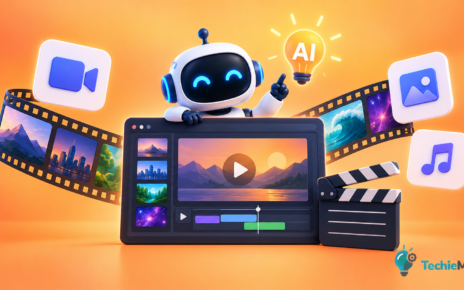
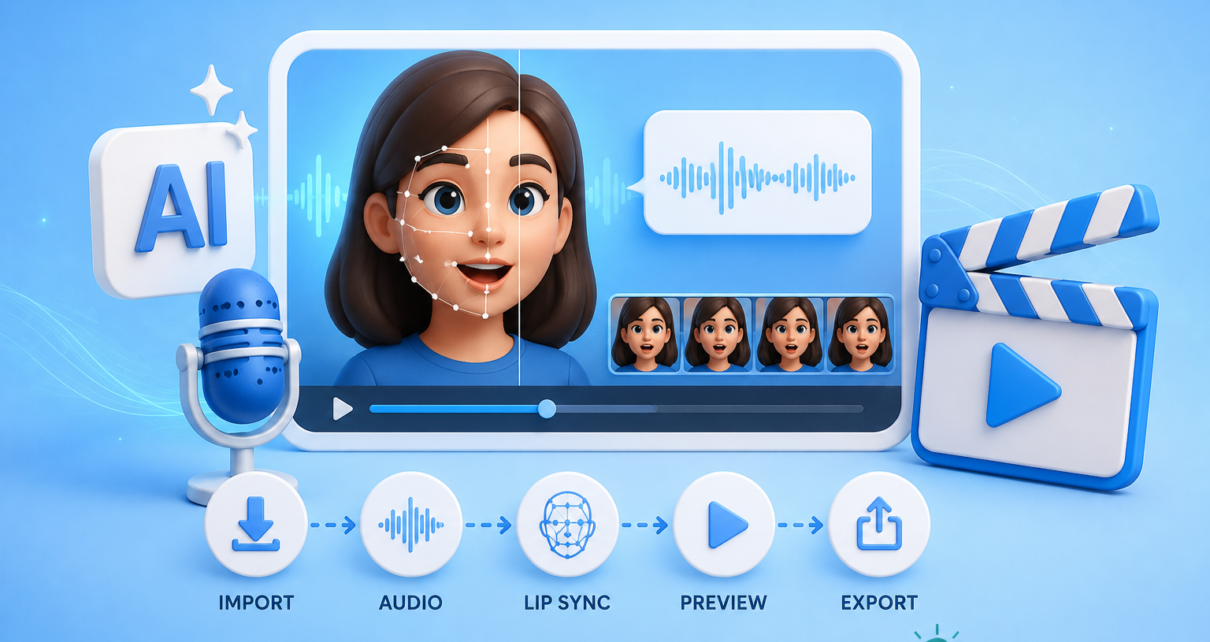
AI lip-sync tools have improved rapidly over the last two years. What used to require manual animation, frame-by-frame editing, or expensive VFX software can now be handled by machine learning models that align speech with facial movements.
But the real question isn’t which tools exist. It’s where they actually make sense in a production workflow—and where they introduce new problems.
This article breaks down 7 free AI lip sync tools, but more importantly, it explains what they’re good at, where they fail, and how to think about using them in a practical content pipeline.
Why AI lip sync matters now
Lip sync technology sits at the intersection of three growing needs:
- Scalable video production
- Localization and dubbing
- AI-generated avatars and presenters
For WordPress creators, agencies, and content teams, this becomes relevant when:
- You’re repurposing blog content into video
- You’re translating content into multiple languages
- You’re building faceless or avatar-based content systems
However, lip sync is not a “set and forget” layer. It introduces accuracy, realism, and ethical trade-offs that need to be understood.
What AI lip sync tools actually do
At a technical level, these tools:
- Analyze audio (phonemes, timing, intonation)
- Map those sounds to mouth shapes (visemes)
- Adjust facial movements frame by frame
The result is a video where the subject appears to speak the provided audio—even if it wasn’t originally recorded that way.
The quality depends on:
- Model training data
- Face angle and visibility
- Audio clarity
- Resolution and frame consistency
This is why results vary widely across tools.
1. wav2lip (open-source baseline)
Wav2Lip is one of the most widely used open-source lip sync models. It’s often the foundation behind many commercial tools.
where it works well
- Developer-controlled workflows
- Batch processing
- Custom pipelines
limitations
- Requires technical setup
- No built-in UI
- Output can look slightly unnatural without post-processing
practical use case
If you’re building a custom WordPress video pipeline or integrating AI processing into backend workflows, this is a strong starting point.
2. sync.so (free tier)
Sync. so provides a web-based interface for lip syncing videos using uploaded audio.
where it works well
- Quick experiments
- Simple video edits
- Non-technical users
limitations
- Limited control over output
- Free tier restrictions
- Less reliable with complex facial angles
practical use case
Useful for testing whether lip sync improves your content before committing to deeper integration.
3. d-id (AI presenter with lip sync)
D-ID focuses on AI avatars and talking head videos. Lip sync is part of a broader system.
where it works well
- AI-generated presenters
- Script-to-video workflows
- Marketing and explainer content
limitations
- Avatar realism varies
- Less control over facial nuance
- Can feel synthetic in longer videos
practical use case
Works best when you’re not trying to mimic real humans, but instead leaning into AI presenters.
4. Heygen (free credits model)
HeyGen is widely used for AI video generation with built-in lip sync.
where it works well
- Multilingual video content
- Fast production cycles
- Business presentations
limitations
- Credit-based usage
- Template-driven outputs
- Limited customization in free plan
practical use case
Strong option for agencies producing localized content at scale, especially for landing pages or product videos.
5. kapwing (online editor with lip sync features)
Kapwing is primarily a video editor, but includes AI-powered lip sync capabilities.
where it works well
- Editing + lip sync in one place
- Social media content
- Short-form videos
limitations
- Not specialized for lip sync
- Quality depends on input
- Free plan includes watermark
practical use case
Good for creators who want minimal tooling and prefer an all-in-one editing environment.
6. Rephrase.ai (AI avatar + lip sync)
Rephrase.ai focuses on personalized video generation with synchronized speech.
where it works well
- Personalized marketing videos
- Email campaigns
- Customer engagement
limitations
- Limited free access
- Avatar realism varies
- Not ideal for long-form content
practical use case
Useful when lip sync is part of a personalization strategy rather than general content production.
7. veed.io (simple lip sync workflows)
Veed includes basic lip sync functionality alongside its editing tools.
where it works well
- Beginner-friendly workflows
- Quick edits
- Captioning + syncing
limitations
- Not highly precise
- Limited control over alignment
- Better for casual use
practical use case
Best suited for lightweight social content where perfect realism isn’t required.
How to choose the right tool (a practical framework)
Instead of choosing based on features, evaluate based on workflow fit.
1. control vs convenience
- High control → Wav2Lip
- High convenience → HeyGen, D-ID
If you need repeatable systems, control matters more than UI simplicity.
2. realism vs speed
- High realism → requires tuning and editing
- High speed → template-driven tools
Most tools trade realism for speed. Decide which one your use case demands.
3. content type
Different tools perform better depending on what you’re creating:
- Blog-to-video → HeyGen, D-ID
- Social clips → Kapwing, Veed
- Custom pipelines → Wav2Lip
Where AI lip sync actually works well
Despite the hype, lip sync is not universally useful. It performs best in specific scenarios:
1. content localization
Instead of subtitles, you can match translated audio with mouth movements.
This improves engagement, especially for:
- Course content
- Product demos
- Educational videos
2. faceless content systems
If you’re running a WordPress blog and converting posts into videos:
- AI voice → lip sync → avatar video
This creates a scalable publishing pipeline without recording footage.
3. correcting minor audio issues
Lip sync can fix:
- Slight timing mismatches
- Dubbing inconsistencies
- Voiceover replacements
This is often more practical than full video reshoots.
Where it breaks (important limitations)
1. Uncanny valley problem
Even good models struggle with:
- Emotional expressions
- Subtle facial movements
- Eye coordination
This becomes noticeable in longer videos.
2. angle and lighting issues
Lip sync works best when:
- Face is clearly visible
- Minimal head movement
- Consistent lighting
Anything outside this reduces quality significantly.
3. workflow complexity
Adding lip sync introduces:
- Processing time
- Rendering overhead
- Quality checks
In many cases, simple subtitles may be more efficient.
4. ethical and trust concerns
AI-modified video raises questions around:
- Authenticity
- Misrepresentation
- Viewer trust
For business or client work, transparency matters.
How this fits into a WordPress workflow
For WordPress professionals, lip sync is not a standalone feature. It fits into broader systems:
typical pipeline
- Publish blog content
- Generate script from content
- Create AI voiceover
- Apply lip sync (if needed)
- Embed video back into WordPress
The key decision is whether step 4 adds value or just complexity.
When not to use AI lip sync
It’s often better to avoid lip sync when:
- Content is short-form and fast-paced
- Subtitles are sufficient
- Authentic human presence matters
- Production speed is critical
In many workflows, lip sync is optional—not essential.
Grounded conclusion
AI lip sync tools are useful, but only in specific contexts.
They are not a universal upgrade to video production. In fact, they often introduce trade-offs in realism, control, and workflow complexity.
The most practical approach is:
- Start with your content goal
- Identify whether visual speech alignment actually matters
- Choose tools based on workflow fit, not features
In many cases, the simplest solution—clear audio and well-timed subtitles—will outperform a poorly executed lip sync layer.
Used carefully, however, these tools can unlock scalable video systems, especially for multilingual and AI-generated content.
The key is not using them because they exist—but because they solve a real problem in your workflow.