


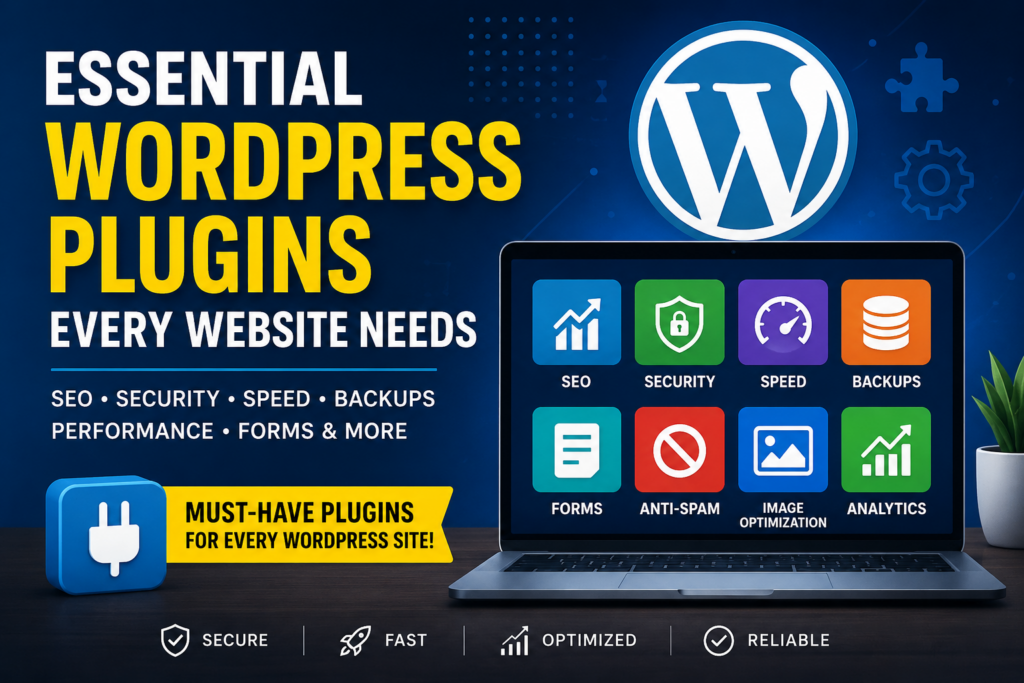
WordPress powers over 40% of websites worldwide, making it the most popular content management system (CMS). While WordPress is powerful out of the box, plugins allow you to extend its functionality without writing code.
However, with more than 60,000 plugins available, choosing the right ones can be overwhelming.
In this guide, we’ll cover the essential WordPress plugins every website needs to improve security, SEO, speed, backups, and user experience.
Why Are WordPress Plugins Important?
Plugins help you:
- Improve website security
- Boost SEO rankings
- Increase page speed
- Create contact forms
- Protect your data
- Improve user experience
- Optimize images
- Add advanced functionality without coding
Using the right plugins saves time and helps your website perform better.
1. SEO Plugin
Every website needs an SEO plugin to rank higher in search engines.
Recommended Plugins
- Rank Math SEO
- Yoast SEO
- All in One SEO
Features
- XML Sitemap
- Meta Titles
- Meta Descriptions
- Schema Markup
- Keyword Optimization
- Redirect Management
- Breadcrumbs
Best Choice: Rank Math
2. Security Plugin
Cyber attacks happen every day.
A security plugin protects your website from:
- Malware
- Brute force attacks
- Hackers
- Login attempts
- Vulnerabilities
Recommended Plugins
- Wordfence Security
- Solid Security (formerly iThemes Security)
- Sucuri Security
Features
- Firewall
- Malware Scanner
- Login Protection
- Two-Factor Authentication
- Security Alerts
Best Choice: Wordfence
3. Backup Plugin
Never rely only on your hosting provider.
A backup plugin lets you restore your site if something goes wrong.
Recommended Plugins
- UpdraftPlus
- BackupBuddy
- Jetpack Backup
Features
- Automatic Backups
- Google Drive Integration
- Dropbox Backup
- One-click Restore
Best Choice: UpdraftPlus
4. Cache Plugin
Website speed affects both SEO and user experience.
A caching plugin can significantly improve loading times.
Recommended Plugins
- LiteSpeed Cache
- WP Rocket
- W3 Total Cache
Benefits
- Faster Loading
- Browser Caching
- Minify CSS
- Minify JavaScript
- Database Optimization
Best Choice: WP Rocket (Premium)
Best Free: LiteSpeed Cache (for LiteSpeed servers)
5. Image Optimization Plugin
Large images slow down websites.
Optimize images without losing quality.
Recommended Plugins
- Smush
- ShortPixel
- Imagify
- EWWW Image Optimizer
Features
- Compression
- Lazy Loading
- WebP Conversion
- Bulk Optimization
Best Choice: ShortPixel
6. Contact Form Plugin
Every website needs a way for visitors to get in touch.
Recommended Plugins
- WPForms
- Fluent Forms
- Contact Form 7
Features
- Drag-and-drop Builder
- Spam Protection
- Email Notifications
- File Uploads
Best Choice: WPForms
7. Anti-Spam Plugin
Spam comments hurt user experience and SEO.
Recommended Plugins
- Akismet Anti-Spam
- Antispam Bee
- CleanTalk
Benefits
- Stops Spam Comments
- Blocks Bots
- Protects Contact Forms
8. Performance Optimization Plugin
Performance plugins optimize your site’s database and code.
Recommended Plugins
- Perfmatters
- Asset CleanUp
- FlyingPress
Features
- Disable Unused Scripts
- Database Cleanup
- Lazy Loading
- Remove Bloat
9. Analytics Plugin
Know how visitors interact with your website.
Recommended Plugins
- Site Kit by Google
- MonsterInsights
- Independent Analytics
Features
- Google Analytics
- Search Console
- Page Views
- Traffic Sources
- User Behavior
10. WooCommerce Plugin (For Online Stores)
Planning to sell online?
WooCommerce transforms WordPress into a powerful eCommerce platform.
Features
- Product Management
- Payment Gateway
- Inventory
- Coupons
- Shipping
11. Email Marketing Plugin
Grow your email subscribers.
Recommended Plugins
- MailPoet
- Mailchimp for WordPress
- FluentCRM
Benefits
- Newsletter
- Email Automation
- Subscriber Management
12. Redirection Plugin
Broken links hurt SEO.
A redirection plugin manages 301 redirects easily.
Recommended Plugins
- Redirection
- Rank Math Redirect Manager
13. Schema Plugin
Schema markup helps search engines understand your content.
Recommended Plugins
- Rank Math
- Schema Pro
- AIOSEO
Benefits
- Rich Snippets
- FAQs
- Reviews
- Breadcrumbs
14. Broken Link Checker
Broken links damage user experience.
Recommended Plugins
- Broken Link Checker
- Link Whisper (Premium)
15. Social Sharing Plugin
Increase content visibility on social media.
Recommended Plugins
- Social Snap
- Novashare
- AddToAny
Plugin Installation Tips
- Install plugins only from trusted sources.
- Delete unused plugins.
- Keep all plugins updated.
- Avoid installing multiple plugins with overlapping functionality.
- Regularly review plugin performance and compatibility.
Essential Plugin Stack for Most Websites
| Category | Recommended Plugin |
|---|---|
| SEO | Rank Math SEO |
| Security | Wordfence Security |
| Backup | UpdraftPlus |
| Cache | WP Rocket / LiteSpeed Cache |
| Image Optimization | ShortPixel |
| Contact Form | WPForms |
| Anti-Spam | Akismet |
| Analytics | Site Kit by Google |
| Performance | Perfmatters |
| Redirects | Redirection |
Common Mistakes to Avoid
- Installing too many plugins
- Ignoring updates
- Using outdated or unsupported plugins
- Installing duplicate plugins for the same purpose
- Downloading plugins from untrusted websites
- Forgetting to back up your site before major updates
Conclusion
The right combination of WordPress plugins can make your website faster, more secure, SEO-friendly, and easier to manage. Rather than installing every plugin you find, choose reliable, well-maintained options that address your site’s specific needs.
A strong foundation includes:
- SEO: Rank Math SEO
- Security: Wordfence Security
- Backups: UpdraftPlus
- Caching: WP Rocket or LiteSpeed Cache
- Image Optimization: ShortPixel
- Forms: WPForms
- Analytics: Site Kit by Google
Frequently Asked Questions
How many plugins should a WordPress website have?
There’s no fixed limit. Focus on quality rather than quantity. Most well-optimized websites use 10–25 carefully chosen plugins.
Can too many plugins slow down WordPress?
Yes. Poorly coded or unnecessary plugins can impact performance. Regularly audit and remove unused plugins.
Are premium plugins worth it?
Premium plugins often provide better support, advanced features, and more frequent updates, making them a worthwhile investment for business websites.
Which is the best free SEO plugin?
Rank Math SEO is widely regarded as one of the best free SEO plugins due to its comprehensive feature set.
Do I need a backup plugin if my host provides backups?
Yes. Having an independent backup solution gives you greater control and an extra layer of protection.
By keeping your plugins updated and limiting them to trusted essentials, you’ll maintain a high-performing WordPress website that’s ready to grow.